
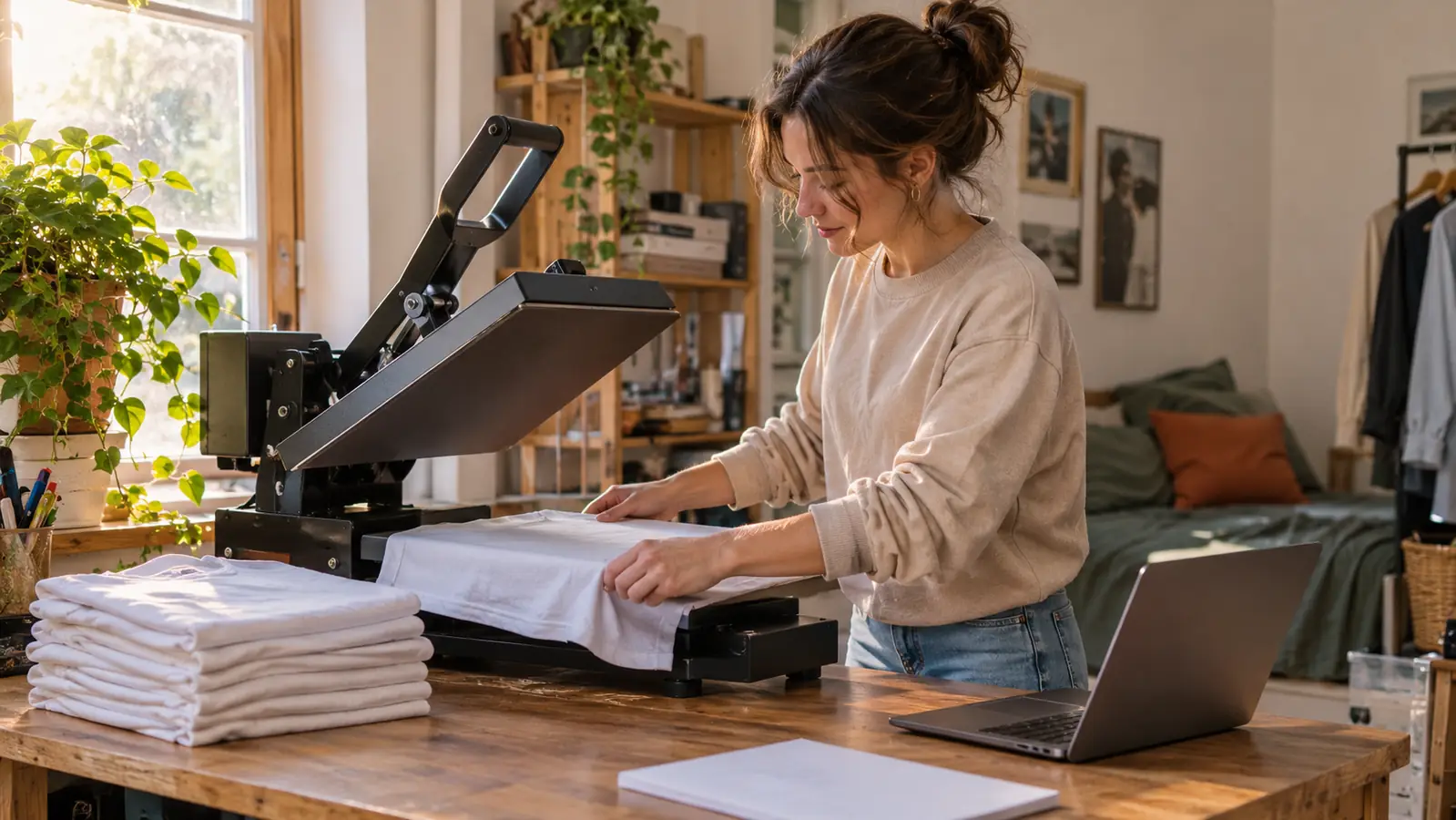
For ten weeks I blamed my press. Then I blamed my printer. Then I blamed the shirts. What was actually wrecking my sublimation work was the paper, the thing I bought without reading the label and never looked at twice. I run a small shirt and tumbler project out of my spare bedroom in Evansville, and on a Saturday in late April a set of six tumblers for a friend's bridal party came out blurry with streaks. The same afternoon my converted EcoTank clogged. When I replaced the printer in early May, I replaced the paper too and bought A-SUB Sublimation Paper, 8.5x11, 110 sheets. The first set of tumblers off the new setup came out sharp.
Here is what I did not expect. The printer mattered, but the paper changed more of the finished result than I ever gave it credit for. These are the ten places I noticed it, in the order I noticed them.
The paper I stopped second-guessing
A-SUB Sublimation Paper, 8.5x11, 110 sheets, 125g. It is what every shirt and tumbler in my spare bedroom gets printed on now.
Amazon Check Today's Price on Amazon →Reason one, and the one everything else hangs on.
The dye actually leaves the paper instead of sitting on it
Sublimation ink does not print on fabric. It prints on paper, then turns to gas under heat and bonds into polyester. That makes the paper half the reaction, not a delivery vehicle you can cheap out on. With the generic pack I used from February through April, shirts came out looking rinsed. The color was there, just thinner than what I had designed. The A-SUB listing calls it a high transfer rate, and the practical version of that is simple: more of the dye leaves the sheet and ends up in the shirt. I press polyester at 385 F for 50 seconds, and the difference showed up on the very first shirt.
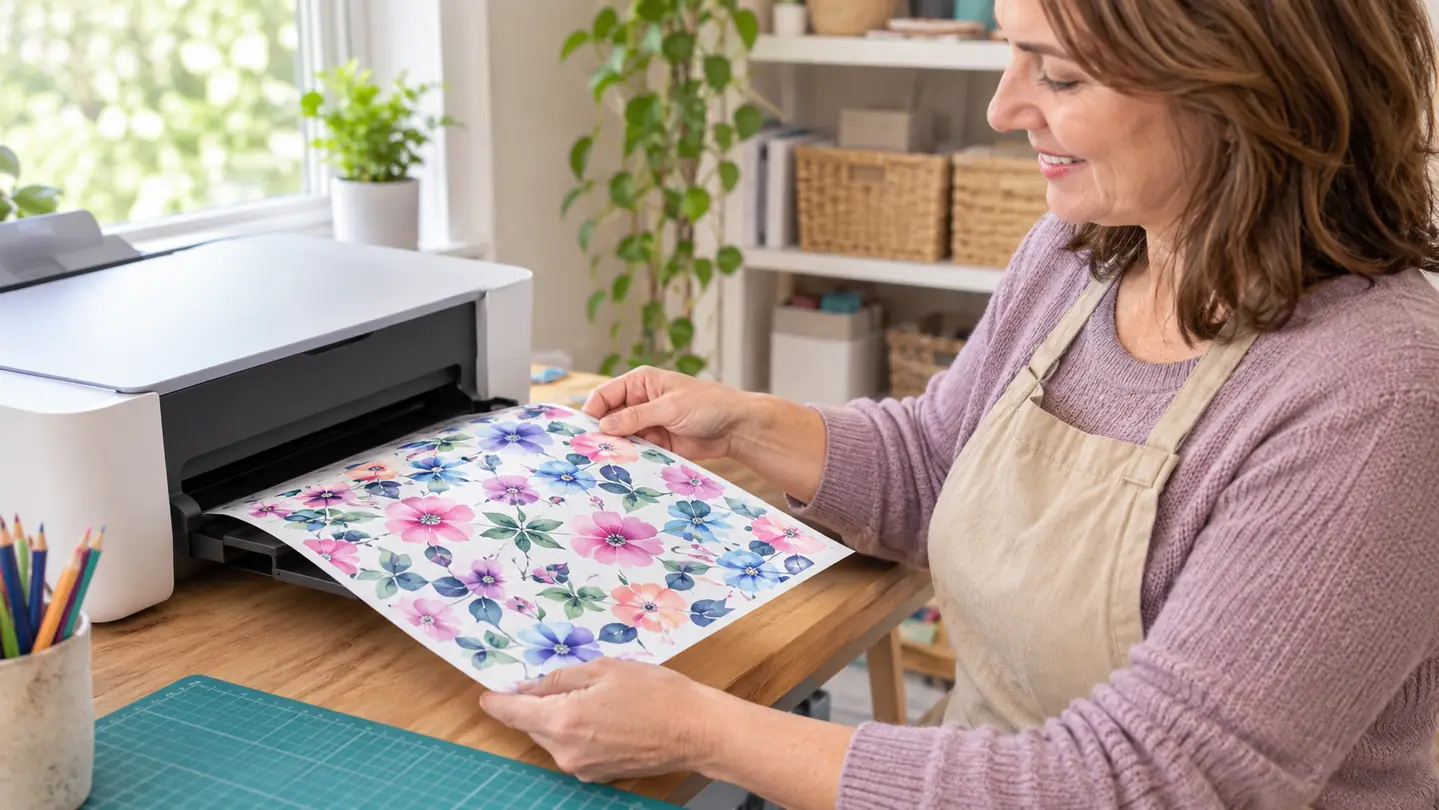
Edges come out clean instead of ghosted
On tumblers, my old paper left a faint haze about an eighth of an inch outside the design. Not a hard line, more like a shadow. Dye was moving where I did not want it while the wrap sat under heat. The first set I ran on A-SUB after the switch had a clean edge. I could see the border stop exactly where the file stopped. That is a small thing until you are handing a tumbler to somebody who is going to turn it over in her hands at a bridal shower.
Wide bands of one color stop going streaky
A solid band around the middle of a tumbler is where generic paper shows off. With the generic sheets and the toaster oven, mine came out with faint horizontal streaks. Since May, with A-SUB on a 20 oz straight tumbler at 365 F for 150 seconds in the tumbler press, the band comes out even. I am not going to tell you paper is the only variable here. Pressure and time matter. But the paper took one suspect off my list.
Small text on tumblers stays readable
A coworker wanted her grandson's name in thin letters on a tumbler. Small serif text is unforgiving, because any blur at the transfer stage turns an e into an o. My old paper smeared it. A-SUB held the letterforms well enough that I could read the name at arm's length without squinting. The catch is that this paper has a print side and you have to check it. I have gotten it wrong, pulled a sheet out of the tray, and had to look twice. Now I check every sheet before it goes in.
110 sheets means a test print stops feeling wasteful
My F170 wants a test print about once a week to keep the ink moving, and I used to put it off because every sheet felt like it came out of a small rationed pack. A 110 sheet pack changes that math. I run the test, look at it, toss it, and get on with the order. That sounds trivial until you have gone three weeks without printing and then spent a Saturday afternoon running cleanings instead of pressing shirts.
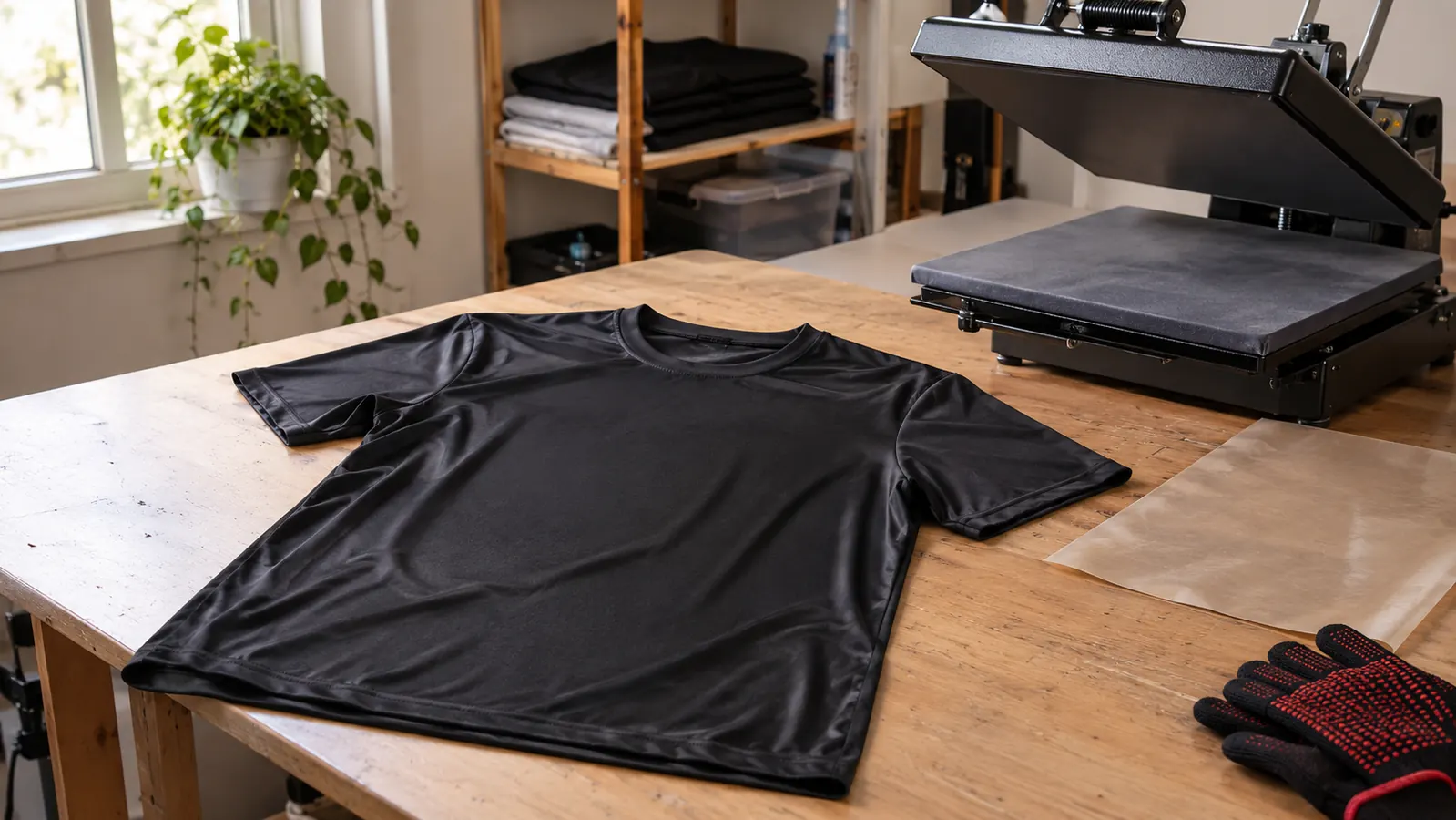
8.5x11 drops straight into the F170 with no trimming
The SureColor F170 prints 8.5x11 and nothing bigger. That is one of the two gripes I have with it, and it means every sheet I feed has to be exactly that size or I am standing at the workbench with a trimmer and a straightedge. A-SUB comes as 8.5x11, so it goes from the pack to the tray with nothing in between. No trimmed edges to fray, no scraps in the drawer, no measuring. For a spare bedroom setup where the printer sits on a folding table by the window, that is worth more than it sounds.
It feeds straight, so the design lands where you placed it
A sheet that feeds slightly crooked puts your design slightly off center, and on a shirt you will not notice until it is pressed. The generic paper I used curled at the corners and caught the roller. This paper feeds straight when it is flat, which is the whole trick. It does curl in a humid room, and Evansville has plenty of those, so I keep the pack flat in a drawer and pull one sheet at a time. Store it flat and it behaves. Leave it standing on the table and you are asking for trouble.
One pack covers both shirts and 20 oz tumblers
I print on two things: white or light polyester shirts, and 20 oz straight sublimation tumblers. That is it. I do not do mugs, hats, or tile. One pack of A-SUB covers both of the things I actually make, which means I am not keeping two paper sizes and guessing which is which at nine o'clock on a Tuesday. Shirts get 385 F for 50 seconds on the 15x15 press. Tumblers get 365 F for 150 seconds in the tumbler press. Same paper going into both.
Tuesday night prints match Saturday morning prints
Consistency is the unglamorous reason. When I sit down on a weeknight with the same file I ran on Saturday morning, I want the same result, and I want it without rebuilding my settings from scratch. Since May I have not had a run where I could not explain what went wrong. That is a low bar until you remember April, when I could not explain anything. Same pack, same coated sheet, same behavior from the first one to the last one in the drawer.
When a print fails, you stop suspecting the paper
Here is the practical payoff. When a print comes out wrong now, I have a short list to check. Is the press actually at temperature, which I verify with a cheap infrared thermometer because the display can drift on me. Is the pressure even. Did I load the sheet print side up. Is the shirt at least mostly polyester. The paper is not on that list anymore, and that means I troubleshoot in minutes instead of remaking a batch. If you are new and everything is a variable at once, start by removing one.
What I'd Skip
Three things I would skip. First, do not buy a big pack before you know your printer is going to behave, because this paper only works with sublimation ink and regular ink will do nothing on it. Second, do not try it on a cotton shirt and then blame the paper. Cotton will not take sublimation dye, which is why the Siser EasyWeed and the Cricut still earn their place in my spare bedroom for the dark cotton shirts. Third, do not store the pack standing up in a humid room and then decide the paper is bad. Keep it flat in a drawer and check the print side every single time.
Six blurry tumblers in April on the old setup. The remake in May, on A-SUB paper, came out sharp.
Start with the paper, then worry about the rest
110 sheets of 8.5x11 A-SUB. It goes in the F170, comes out, and goes onto a shirt at 385 F or a tumbler at 365 F. That is the whole routine in my spare bedroom.
Amazon Check Today's Price on Amazon →