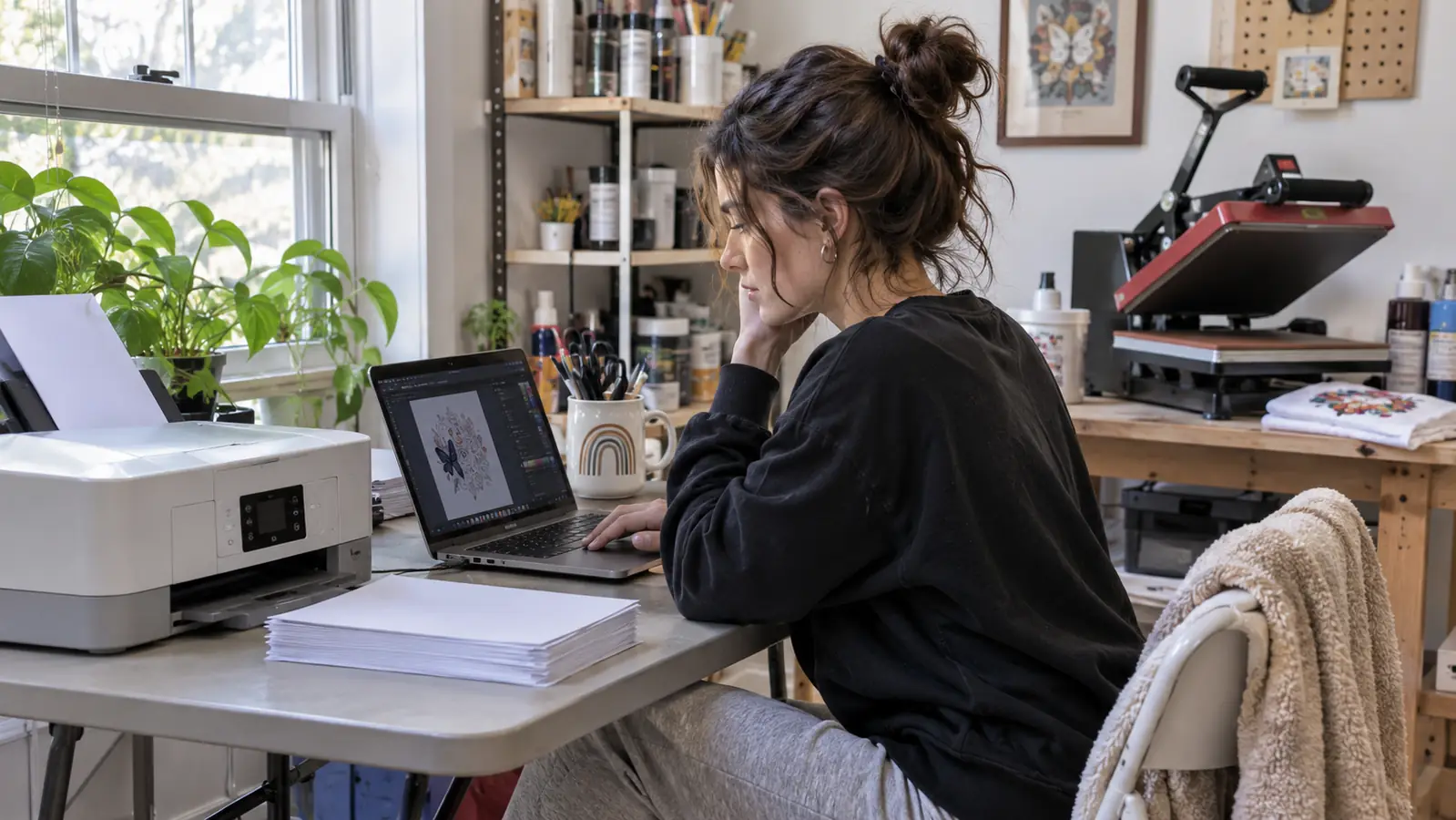
I bought the Epson SureColor F170 in the first week of May with my own money and I have used it almost every week since. I am not a printer and I am not a shop. I am a dental office receptionist in Evansville, Indiana, and I make shirts and tumblers in my spare bedroom on weeknights and Saturdays. Before the F170 I spent about ten weeks fighting a converted EcoTank, and on a Saturday in late April it clogged on me while a set of six tumblers for a friend's bridal party came out blurry with streaks. That afternoon is the reason this printer is on my folding table.
Six months later I would buy it again tomorrow. But the product page does not lead with three things that would have saved me a lot of guessing, so this is the honest version I wish someone had handed me back in April.
The Quick Verdict
The most dependable piece of my setup and the most limited. It prints 8.5 by 11 beautifully and it expects to be used every week.
Amazon Check Today's Price →The one machine in my setup that has never ruined a job
Genuine Epson ink from the start, six months of steady weeknight printing, and not one streaky sheet. It is the least dramatic purchase I made this year, which is exactly the point.
Amazon Check Today's Price on Amazon →What Nobody Tells You Before You Buy
First, this is a print-only machine at 8.5 by 11 inches and it stays that way. There is no scanner in it. There is no wide format hiding behind a menu. Epson built it to pull letter-size sheets from a 150-sheet auto-feed tray and print color onto fabric media, and that is the entire job. Every frustration I have had with it comes back to that one sentence. If your plan involves a 12 by 18 panel or a full shirt front printed in a single pass, this machine cannot get there and no clever workaround will get it there.
Second, it arrives as a sublimation printer. That sounds like a small distinction until you have owned the other kind. My EcoTank was an ordinary ink printer I filled with a third-party sublimation kit, and every single problem I had traced back to that arrangement. The F170 came with genuine Epson sublimation ink bottles, the ones with auto-stop spouts that make a refill on a folding table a non-event, and the listing notes the ink is certified ECO PASSPORT by OEKO-TEX. I have refilled it from those bottles more than once and I have never had a mess to clean up afterward. When people ask whether converting a cheap printer is the smarter way to start, I tell them about my April Saturday and let them decide.
Third, the printhead is the reason the output looks the way it does. It uses Epson PrecisionCore, the resolution is listed at 5760 by 1440, and the listing rates black and white copy speed at 1 page per minute, so nobody is buying this for speed. What I get is detail. A name and a date on the back of a shirt hold up close. Fine lines stay separate instead of melting together. Photographs on a tumbler wrap come out with gradients that look like a photograph rather than wide bands of color, which was not true of my old setup.
For anyone who measures a workbench twice before ordering anything, the machine weighs 16 pounds and measures 13.7 inches deep, 14.8 inches wide and 7.4 inches tall. Mine sits on a folding table by the window next to the tumbler press, with the paper in a drawer underneath. It fits. That was not a given in a spare bedroom that already had a 15 by 15 press on Gary's workbench.
How I've Used It
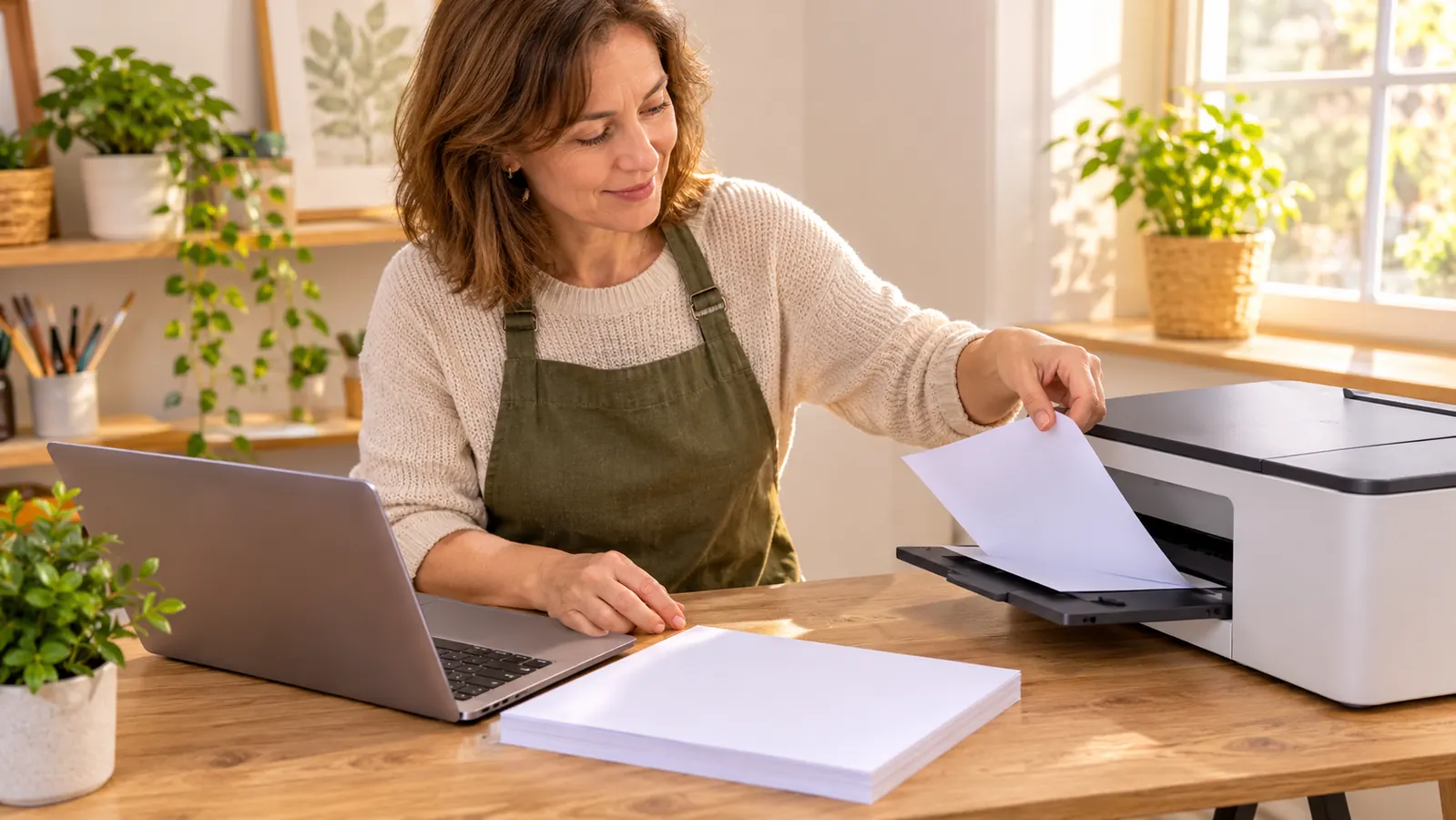
My week has a shape now. Monday or Tuesday evening I mirror the designs on the Windows laptop and print the sheets, then lay them flat. Wednesday and Thursday evenings I press. Saturdays I catch up on the shirts people asked for. Polyester shirts go on the 15 by 15 press at 385 F for 50 seconds. Tumblers go in the tumbler press at 365 F for 150 seconds. Cotton is a completely different job, Siser EasyWeed at 305 F for 15 seconds peeled hot, and none of those shirts go anywhere near the Epson.
The volume is small and I want to be honest about that, because I read reviews where people describe running dozens of sheets a day and I cannot relate to it. I print two or three sheets for an evening's work. Names on shirt backs for a fundraiser walk. A small logo. Tumbler wraps, spaced carefully so I can fit six on a sheet when the designs cooperate. Then I clean up and go watch television. The F170 is completely unbothered by that schedule as long as I keep to the schedule.
The habit I will not break is a test print if it has been more than a week. Four small patches of color on scrap paper, five minutes, and I know before I commit a shirt to it whether the print is clean. I started doing it because of what happened in April with the EcoTank and I kept doing it because it works. Six months in, this printer has not handed me a streaky sheet.
The Part That Surprised Me: It Wants to Be Used
My real fear in May was buying another machine that would sit and clog. What I did not expect is how much the F170 behaves like a machine with a routine. Used weekly, it is boring in the best possible way. Left alone for three weeks in a humid Indiana July, the first sheet is not ruined, it is just not quite right, and that is enough of a warning to make you pay attention to it.
So the routine is built into my week now. Monday, print something. Anything. A test square. A tumbler wrap for a design I am still arguing with myself about. A shirt back I will press on the weekend. The ink moves, the machine stays happy, and I stop thinking about it, which is worth more to me than any line on the box.
My friend Pam has a bench in her garage and a sublimation oven for her tumblers, and she runs her printer harder than I run mine. When I told her I do a test print every week she laughed at me for a good ten seconds and then admitted she does something similar out of habit. Two people with very different setups landing on the same rule is usually a sign the rule is right.
What It Replaced, and Why That Still Matters
The machine the F170 replaced is not gone. My converted Epson EcoTank is boxed up in the closet and I keep it there on purpose, the way you keep a receipt. I ran it from mid February through late April with generic sublimation paper and a countertop toaster oven with shrink wrap sleeves for the tumblers. It worked often enough to keep me interested and failed often enough to keep me nervous. The April Saturday when a bridal party set came out streaky and the EcoTank clogged in the same afternoon was the end of that whole approach.
The difference is not only print quality, although the F170 wins there and wins clearly. The difference is that the F170 was designed for the ink that is inside it. The EcoTank was a document printer wearing a costume. I have gone through the two side by side elsewhere on this site, and the short version is that the converted route cost me ten weeks of evenings I will not get back.
What that means for a beginner is simple. Every hour I spent chasing a clog was an hour I was not pressing shirts. I have not had one of those hours since May. That is the whole case for buying the right tool first, and it is the least romantic argument in this entire review.
What It Prints Well, and What It Will Not Do
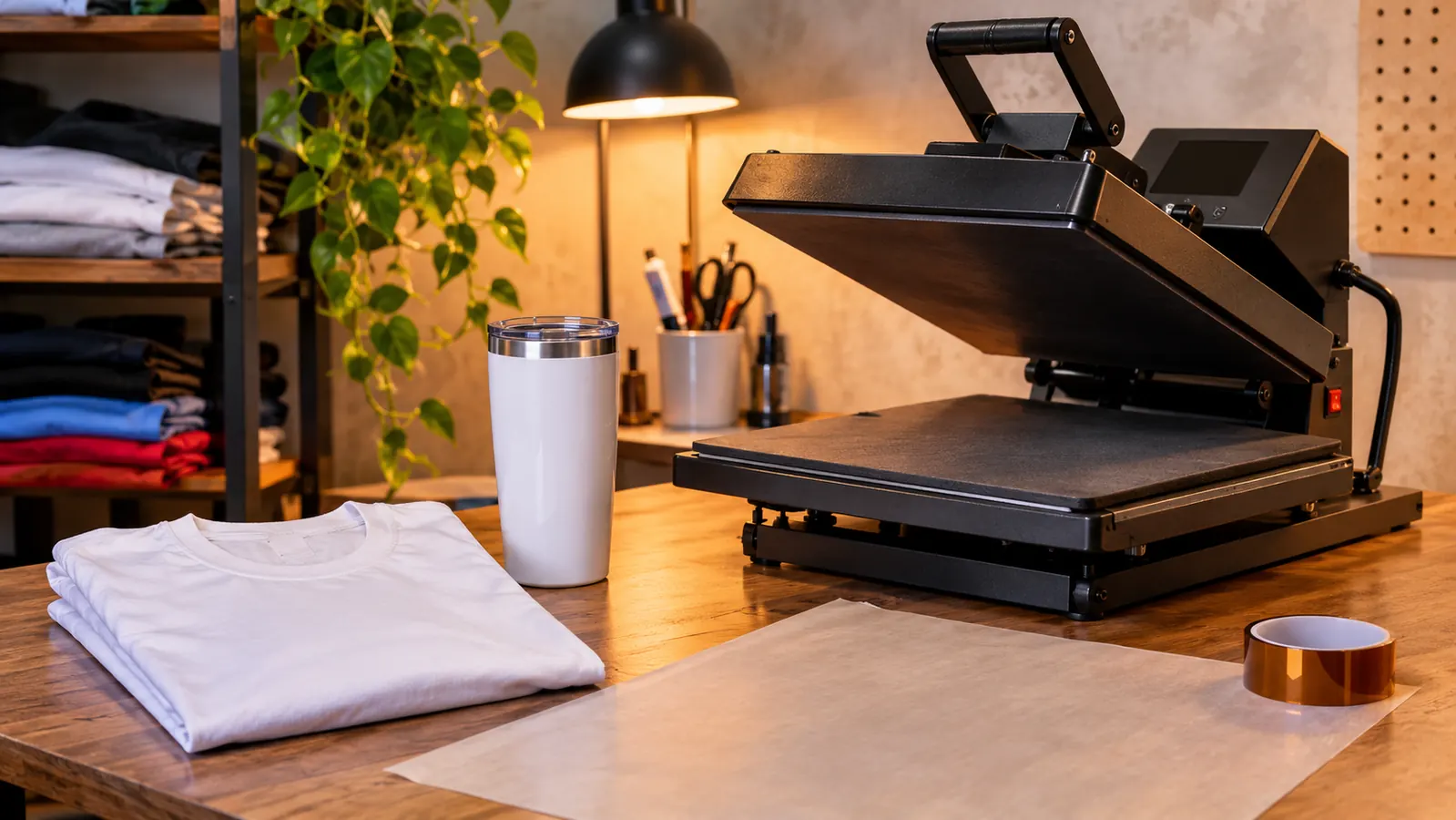
This is a dye-sublimation printer, so the ink only becomes permanent on polyester or on a coated blank. White or light polyester shirts work. Coated tumbler blanks work. Cotton does not, and that is the first bad result most beginners get. I still cut Siser EasyWeed on the Cricut and press it for every cotton shirt, so the F170 did not replace anything in my room. It added a lane. If you want one machine that does everything, you are shopping for something that has never existed.
It will not print white. No dye-sublimation printer will, whatever a listing implies. White in a design is the shirt showing through, and the moment that clicked for me my designs got better in a hurry. I keep a stack of white and very light polyester and I plan around it. Designing for sublimation is a different muscle than designing for paper, and the F170 will teach it to you whether you ask or not.
And it stops at 8.5 by 11. Every limitation I hit comes back to that size. A full front shirt panel is a compromise. A large tumbler wrap has to go on the diagonal and I have to be careful about it. If your plan involves big flat panels, buy the wide format machine now instead of spending six months discovering that this one will not do it. The Epson is the right answer to a narrow question, not a broad one.
Six months, one printer, and not one streaky sheet. The only thing I had to change was how long I was willing to leave it alone.
Setup and Paper, the Unglamorous Part
Two things tripped me up early and neither one is the printer's fault. The first is paper. I use A-SUB 8.5 by 11, 110 sheets, 125g, and the print side is not obvious at a glance. I check it every single time, because one sheet loaded backwards is one sheet wasted and a few unkind words. The second is humidity. The spare bedroom gets sticky in summer and A-SUB curls, so the pack lives flat in a drawer with a heavy book sitting on top of it.
Loading is the easy part. The auto-feed tray holds 150 sheets on the listing and I have not had a misfeed yet. Setup was clear enough that I did it myself on a Tuesday evening without waiting for Gary, which is not always true of things that come into this house. I print from the Windows laptop, the listing lists PC as the compatible device, and the work happens on the screen. From there the printer just takes the job.
And mirror the design. Every time. The first time you forget, you get a perfectly beautiful shirt with the name backward, and you will stand in your spare bedroom holding it and saying words that no dental office receptionist should be caught saying.
What I Liked
- Genuine Epson sublimation ink from day one, so there is no third-party conversion to troubleshoot
- Fine detail and smooth gradients on small text and photos, at 5760 by 1440
- The 150-sheet auto-feed tray has not jammed on me once in six months
- Auto-stop ink bottles refill cleanly on a folding table with no mess
- 16 pounds and 13.7 inches deep, so it fits a small room
Where It Falls Short
- It prints 8.5 by 11 only, and that ceiling shapes everything you can make
- Print only. No scanner and no copying.
- It needs a print at least weekly or the first sheet comes out off
- Useless for cotton, which means you still need vinyl and a press
- It costs far more than converting a regular printer, and that is precisely why it works
Who This Is For
This is for someone who is done troubleshooting and wants to print. You make shirts, tumblers or small coated blanks. You work from a Windows computer. You already have a press or you are ordering one at the same time, because the printer does half the job and the press does the other half. You will use it most weeks. You want the boring kind of reliable, where nothing interesting happens on a Wednesday evening and the tumbler you promised someone comes out sharp on the first attempt.
It is also for the person who already tried the cheap route and got burned, which is exactly my story. If you are coming off a converted printer and a toaster oven, and I say that with genuine sympathy because I had both in this room, the F170 will feel like the first grown up piece of equipment you own.
Who Should Skip It
Skip it if you need anything bigger than a letter sheet, if you want to copy or scan, or if you know in your heart that the printer will sit for a month at a time between projects. A machine that wants weekly attention is a bad fit for a once a month hobby, and a clogged nozzle does not care how good the reviews were. Read the current listing carefully as well if you work on a Mac, since the compatible device line on my listing says PC and I only know my own laptop.
And be honest about the money question, because it is the one I get asked at church. This printer is not the cheap way in. A converted EcoTank is cheaper up front, it is what I did first, and those ten weeks taught me more about sublimation than any tutorial could. If you genuinely enjoy the tinkering and have the patience for it, that route is open to you. If you would rather make a tumbler on a Wednesday and go to bed, this is the machine.
The version of this review I would give you at a craft fair table is short. Buy the printer that was built for the ink you are using, keep a test print in your week, learn that white is the shirt and not the ink, and stop expecting one machine to do everything. That is six months of evenings in this spare bedroom, condensed down to one paragraph.
The machine I would buy again tomorrow, limits and all
Six months of weeknight printing, genuine Epson ink, and not one clogged print. If the printer is the piece you keep putting off, check the current bundle and today's price before you decide.
Amazon Check Today's Price on Amazon →