The short answer, from someone who has owned both: if you plan to print sublimation sheets most weeks, buy the Epson SureColor F170 and stop shopping. If you already have an EcoTank sitting on the desk and you only want to find out whether sublimation is even your thing, convert the one you have and give it a couple of months. I did it in the opposite order, and I would not do it that way again.
I ran a converted Epson EcoTank from mid February through late April. I have run the F170 since the first week of May. Same laptop, same spare bedroom, same polyester shirts and 20 oz straight tumblers. The gap between them was not really about how a good print looked. It was about how many Saturdays I lost to a bad one.
| Epson SureColor F170 | Converted EcoTank | |
|---|---|---|
| Print format | 8.5 x 11 inch dye-sublimation sheets from the PrecisionCore printhead | The same 8.5 x 11 inch sheets, printed with third-party sublimation ink |
| Ink and refilling | Genuine Epson sublimation ink included, bottles with auto-stop refills, ECO PASSPORT by OEKO-TEX | Third-party sublimation ink poured into a tank engineered for regular ink |
| Clogs and downtime | Six months of steady printing, no clog, one test page a week | Clogged in late April and never printed clean again |
| Cost to get started | Costs noticeably more than converting a printer you already own | Cheapest way in if the EcoTank is already on your desk |
| Warranty and support | Original OEM product with a limited warranty and Epson manufacturer support | Converting the printer for sublimation voids that Epson warranty |
| Footprint | 13.7 x 14.8 x 7.4 inches, 16 pounds | Smaller and lighter, easier to slide out of the way |
| Paper feeding | 150-sheet auto-feed tray for everyday sheets | Hand feeding one sheet at a time on my converted unit |
| Best for | Someone printing most weeks who wants it to simply work | Someone testing the idea before committing to a second machine |
How I Ended Up With Both
Before February, my only pressing tool was a household iron. The Christmas shirts I made in December with that iron looked fine on the kitchen table and lifted in the wash, which told me I needed real heat and real pressure. First week of February I bought a 15x15 clamshell press and a roll of Siser EasyWeed together, with my own money, and I have had both for about nine months. That press handles everything flat in my house, vinyl shirts and sublimation shirts alike. It never touches tumblers.
Sublimation came a couple of weeks later, and I did it the cheap way. Mid February I converted an Epson EcoTank with third-party sublimation ink, bought generic no-name paper, and pressed tumblers in a countertop toaster oven with shrink wrap sleeves. That oven sat on the folding table by the open window and was used for crafts only, never food, and I eventually took it to the recycling center in May. The converted printer ran from mid February through April, and for the first few weeks I thought I had found a way around spending on a second machine.
I filled that tank over the bathtub with a small funnel and a stack of paper towels, which tells you how confident I was about any of it. My first print was a test sheet of four colour squares, and it came out pleasant enough that I pressed a tumbler the same night and posted it like I had solved something. What I did not do was write down what went in the tank or how much. Two months later, when the prints started going pale, I had no baseline to compare against and no way to work out whether the ink was low, the mix was off, or the printhead was unhappy. I was guessing, and guessing gets expensive when somebody is waiting on a bridal party.
Then a Saturday in late April happened. A set of six tumblers for a friend's bridal party came out blurry with streaks, and the EcoTank clogged the same afternoon. I boxed the printer up and it has sat in the closet ever since. First week of May I bought the Epson SureColor F170, a pack of A-SUB paper and the HTVRONT tumbler press, all with my own money. I remade the six tumblers the next Saturday and they came out sharp. Nothing since then has broken or been replaced.
Where the Epson F170 Wins
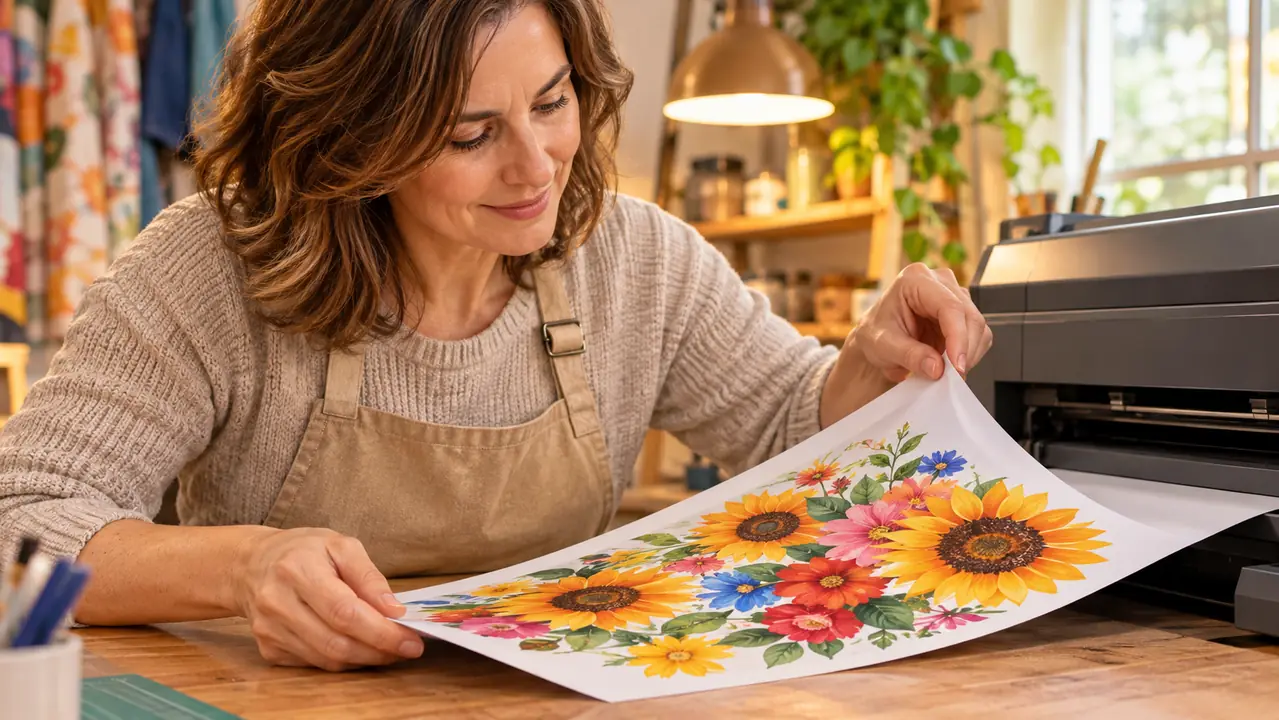
The ink is the strongest argument and it is not close. The F170 arrives with a full set of genuine Epson sublimation ink, certified ECO PASSPORT by OEKO-TEX, and the bottles use auto-stop technology, so a refill takes about a minute and nothing drips onto the folding table. My converted EcoTank was engineered for regular ink. I was pouring third-party sublimation ink into a tank that never expected it, and every refill was a guess about how much to add and whether I had just thrown off the mix. Two of those guesses turned out badly and I only knew because the prints went pale.
In six months the F170 has not clogged on me once. I run a small test page every week or so to keep the ink moving, which is the only upkeep it asks for, and that is a two minute habit I do while the press is heating anyway. The EcoTank clogged on that Saturday in late April after two and a half months of light use, and it never printed clean again. I do not think I got a bad machine. I think it was being asked to do a job it was never built for, and it eventually said so.
The PrecisionCore printhead and the 5760 x 1440 resolution matter most on the things my designs actually contain: small lettering, numbers on a sleeve, and soft gradients behind a shape. On the converted EcoTank those areas went soft and slightly banded even in the weeks before the clog, so I was already designing around the printer without admitting it to myself. The F170 also ships as an original OEM product with a limited warranty and Epson manufacturer support behind it. Converting a printer for sublimation voids that warranty, and I did not fully understand what I was giving up until I had given it up.
The place I noticed the difference first was a shirt design with a line of small text under a shape. On the converted unit the letters filled in and the edges of the shape went soft, and I decided that was just how sublimation looked on polyester. The first time I ran the same file through the F170 I pulled the sheet off the tray and the lettering was clean, with the edge of the shape exactly where I had drawn it. That is the whole pitch for a dedicated machine, honestly. It is not that the good prints look dramatically different lying on a table. It is that you stop redrawing your designs around what the printer can manage.
Where the Converted EcoTank Wins
It is cheaper, and meaningfully so if the printer is already yours. Converting an EcoTank you bought for something else costs a bottle of sublimation ink and a pack of paper. That is the whole entry fee. Back in February I was not sure sublimation would stick with me, and the converted route let me find out for the price of supplies rather than the price of a second machine on a folding table. For a hobby you might drop in a month, that is the sensible call.
It also takes up less of the room. The F170 measures 13.7 by 14.8 by 7.4 inches and weighs 16 pounds, which is not enormous, but in a spare bedroom where the press already owns Gary's workbench and the tumbler press owns the folding table, every inch is contested. My EcoTank was smaller and lighter and easier to slide out of the way when the table needed to hold something else. If your space is genuinely tight, that is a real point in its favor and I will not pretend otherwise.
My converted unit sat on that folding table beside the window and never competed for room with the press. When I needed the table clear for folding shirts, I slid the printer onto the floor under the window and set it back up that evening without thinking about it. The F170 stays where I put it, because lifting 16 pounds off a table and back again every few days is a chore I know I would not keep up with. That is not a knock on the machine. It is just what a smaller footprint buys you in a room that was already full before the printer arrived.
And there is an honest point about learning. Those two and a half months taught me how sublimation behaves on polyester, how much pressure the press wants, and why a design has to be mirrored before it prints. I would have learned all of it on the F170 too, but I learned it on a machine I did not have to protect, and the mistakes stung less. That education is worth something even though the printer itself did not survive the trip.
Six months, no clog, one test page a week: see today's price on the Epson F170
Genuine Epson sublimation ink, auto-stop refill bottles, a 150-sheet tray and 8.5 x 11 sheets. This is the machine I reach for every Saturday now.
Amazon Check Today's Price on Amazon →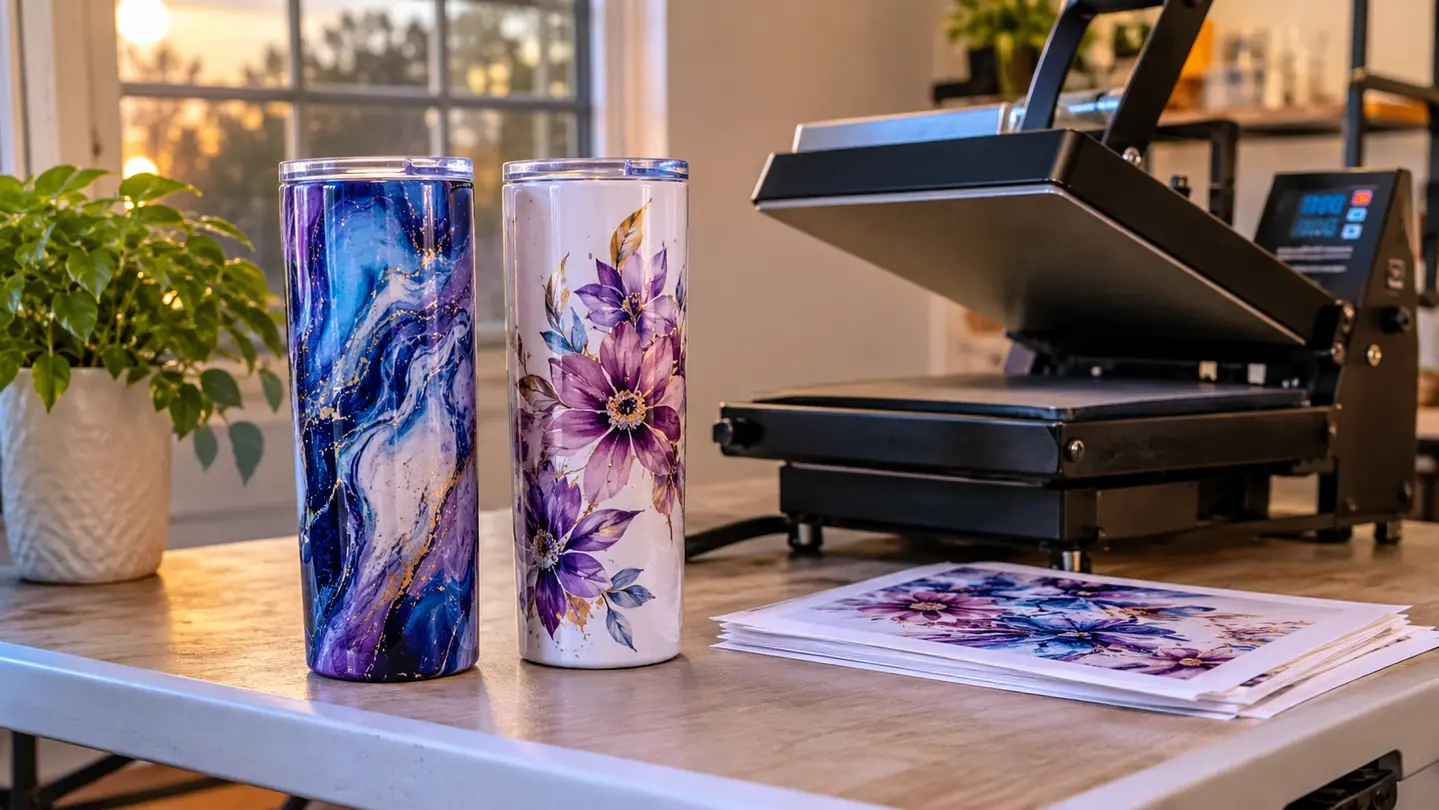
The Weekly Routine, Side by Side
My Saturday looks like this now. I print the mirrored sheets first thing, since the press needs a few minutes to come up to 385 F regardless. The F170 pulls from a 150-sheet auto-feed tray, so I load a stack and walk away instead of feeding one page at a time the way I did on the converted unit, where a jam cost me five minutes and a reprint. Shirts press at 385 F for 50 seconds. Tumblers go into the HTVRONT tumbler press at 365 F for 150 seconds, one at a time.
Timing is the part I had to learn the hard way. The press wants a good ten minutes to settle at 385 F, so the printing window and the warm-up window overlap, and if I get the order wrong I stand there holding a printed sheet over a cold platen while the clock runs. I lay a teflon sheet down, tape the design with heat tape so nothing shifts when the clamshell closes, and keep the heat gloves within reach. Butcher paper goes over the top for tumblers. None of that is clever. It is just the sequence that stopped me from wasting sheets on a Saturday morning when I was in a hurry.
The one step I still do by hand is checking the print side of the paper. A-SUB only takes ink on one face, and if you get it wrong you get a blank sheet and a wasted minute. Those packs also curl in a humid room, so mine live flat in a drawer by the window rather than standing up on the table. None of that changes based on which printer you pick, but it is the kind of thing that decides whether a Saturday goes smoothly.
The limit on the F170 is real, though, and I want to be plain about it. It prints 8.5 x 11 sheets and that is the end of it. No wide panels, no long tumbler wraps in a single pass, no big back print on a shirt. I plan designs around that boundary now and it has not cost me anything yet, but if your ideas run large, this is not the machine for them and no amount of wanting it will change the tray size. The F170 is also print only, with no scanner and no copying, which suits me because the laptop does the rest.
What I Liked
- Genuine Epson sublimation ink included, with auto-stop bottles that refill without a funnel or a mess
- Six months in, no clog and no downtime, on a weekly test page and nothing more
- The PrecisionCore printhead holds small lettering and gradients that the converted EcoTank smeared
- 150-sheet auto-feed tray means loading a stack instead of feeding sheets one by one
- Print only and 8.5 x 11, so it does one job without a pile of menus to learn
Where It Falls Short
- Costs noticeably more than converting a printer you already own
- Locked to 8.5 x 11 sheets, so nothing wide or oversized
- Still needs a test print every week or so to keep the ink moving
- No scanner and no copying, print only
Six months on the F170 and not one clog. The EcoTank clogged in month three and never printed clean again.
Who Should Buy Which
Buy the Epson SureColor F170 if you are printing shirts or tumblers most weekends and you want the machine to be the boring part of the day. Buy it if you have already had one clog ruin a set you promised someone, or if the idea of mixing your own ink into a tank makes you nervous. Buy it if your designs are 8.5 x 11 or smaller and you would rather spend your evenings pressing than troubleshooting. That is the group I belong to, and it took me one ruined Saturday to find out. If you want the longer day to day account of how it has held up, there is a full hands-on review that walks through it month by month.
Stay with a converted EcoTank if the printer is already sitting there, the budget is genuinely tight, and you are still deciding whether sublimation is for you at all. Stay with it if your space is small enough that a 16 pound machine on the folding table is a problem, and if you are only printing the occasional small design for yourself rather than for other people. The case for a dedicated sublimation printer is real, but it is a case you will feel more sharply after a clog than before one. If you are still weighing that, the argument for going dedicated lays it out.
If you are printing most weekends, skip the conversion
The F170 is the machine that ended my clog problem, and the one that has printed every shirt and tumbler in this house since May.
Amazon Check Today's Price on the Epson F170 on Amazon →