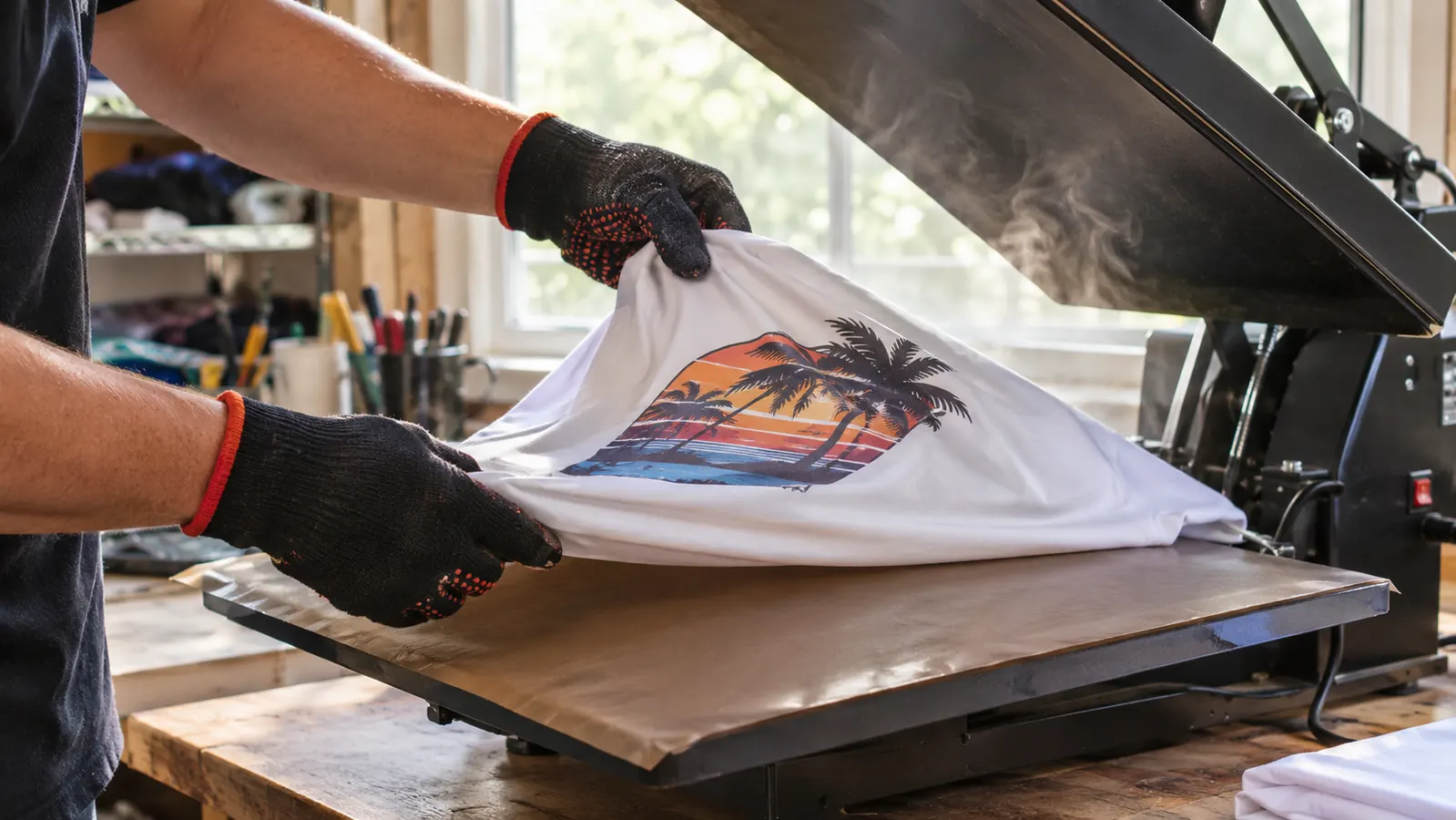
Three months of fighting a printer taught me more about sublimation than any tutorial did. I am Darla Vickers. I press shirts and tumblers in the spare bedroom of our house in Evansville, Indiana, on weeknights after my shift at the dental office. I started sublimation in February the cheap way, with a converted EcoTank I filled myself and generic paper off a shelf. By late April the printhead had clogged and a set of six bridal party tumblers came out streaky. In the first week of May I bought the Epson SureColor F170 with my own money, and I have not remade a bad tumbler since.
This is not a spec sheet. It is the list I wish somebody had handed me in February, written by a person who presses in a bedroom and not in a print shop. If you are weighing a dedicated sublimation machine against converting a printer you already own, these are the ten things that actually changed in my week.
The printer that ended my redo Saturdays
The Epson SureColor F170 prints 8.5 x 11 transfer sheets and arrives with genuine Epson sublimation ink in the box, so the only thing left to learn is your press. Six months in, mine still prints the same clean sheet it did in May.
Amazon Check Today's Price on Amazon →You stop nursing a converted printer all evening
With the converted EcoTank, my evening was part printing and part coaxing. I ran nozzle checks, printed a test page to keep the ink moving, and held my breath every time a design came out. The F170 is a dye-sublimation machine that ships with Epson sublimation ink already in the box, so there is nothing to convert and nothing to prove. The April clog cost me a Saturday and a friend's bridal party order. Since May I have spent my evenings pressing instead of troubleshooting.
Fine lettering survives the press
The listing gives 5760 x 1440 resolution and the PrecisionCore printhead, and the practical version of that number is small text. A church name under a logo, a name line across a shirt back, a thin line of script on a tumbler wrap. On my old setup those details softened into a blur the moment they hit polyester at 385 F for 50 seconds. With this printer they hold their edges. If your work has lettering on it, that difference is the whole ballgame.
Refilling is a two-minute job, not a syringe project
The ink bottles use auto-stop technology, so the bottle quits on its own when the tank is full. No syringe, no funnel, no ink on the folding table. My old fill routine involved a towel, gloves and a small prayer. Now I top off before a batch and get on with it. The listing names the Epson T49 ink, and the machine arrives with a full set of OEM bottles, which means your first print is the same ink as every print after it.
Load paper once for a Saturday batch
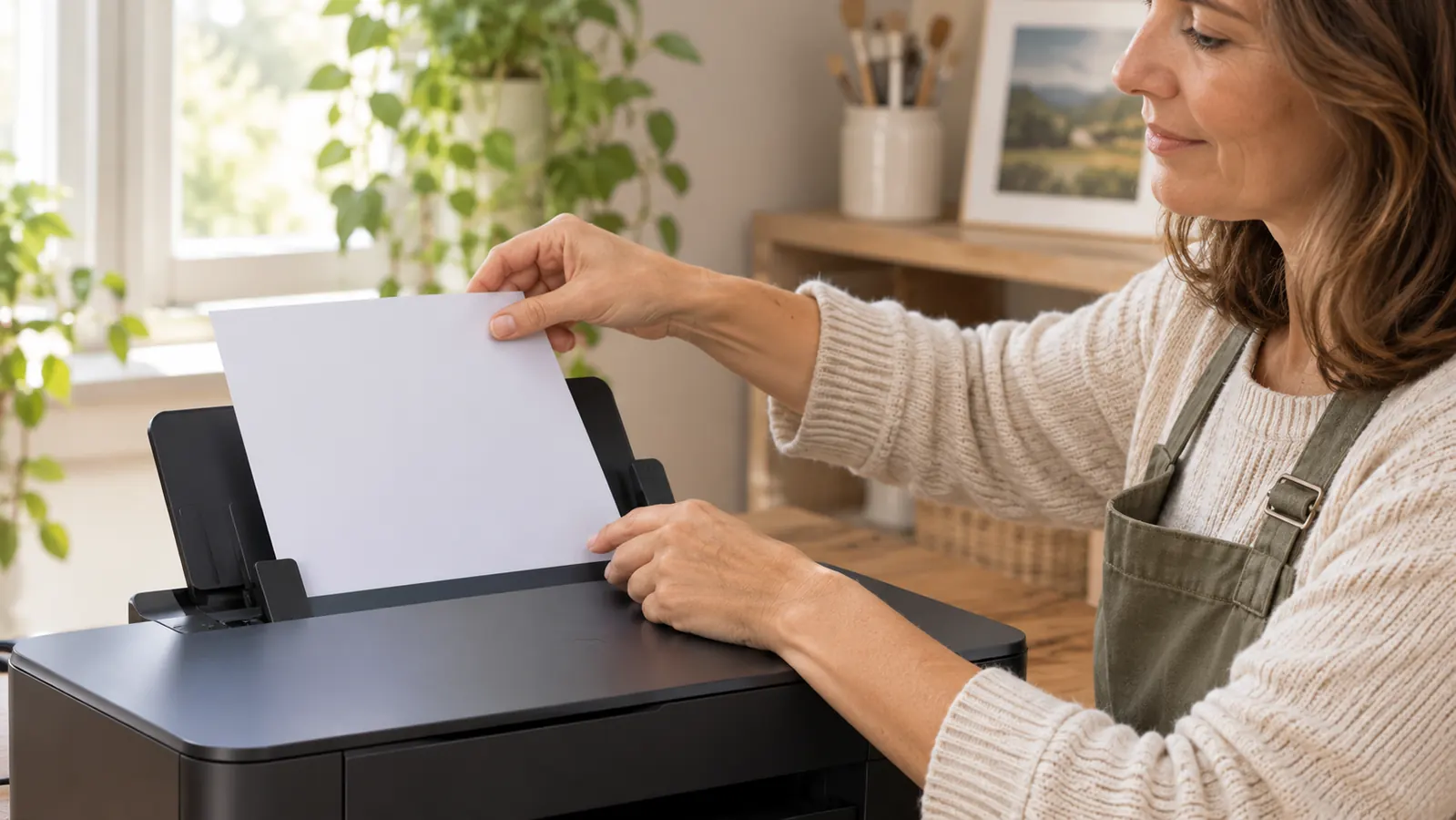
There is a 150-sheet auto-feed tray. For a run of shirts I load a stack of 8.5 x 11 sheets, send ten jobs, and walk away to warm up the press. With my old printer I was feeding one curl-prone sheet at a time and reprinting every third one. The tray sounds like a small thing on paper. In practice it is the difference between printing being part of the job and printing being the whole job.
It fits on the second folding table
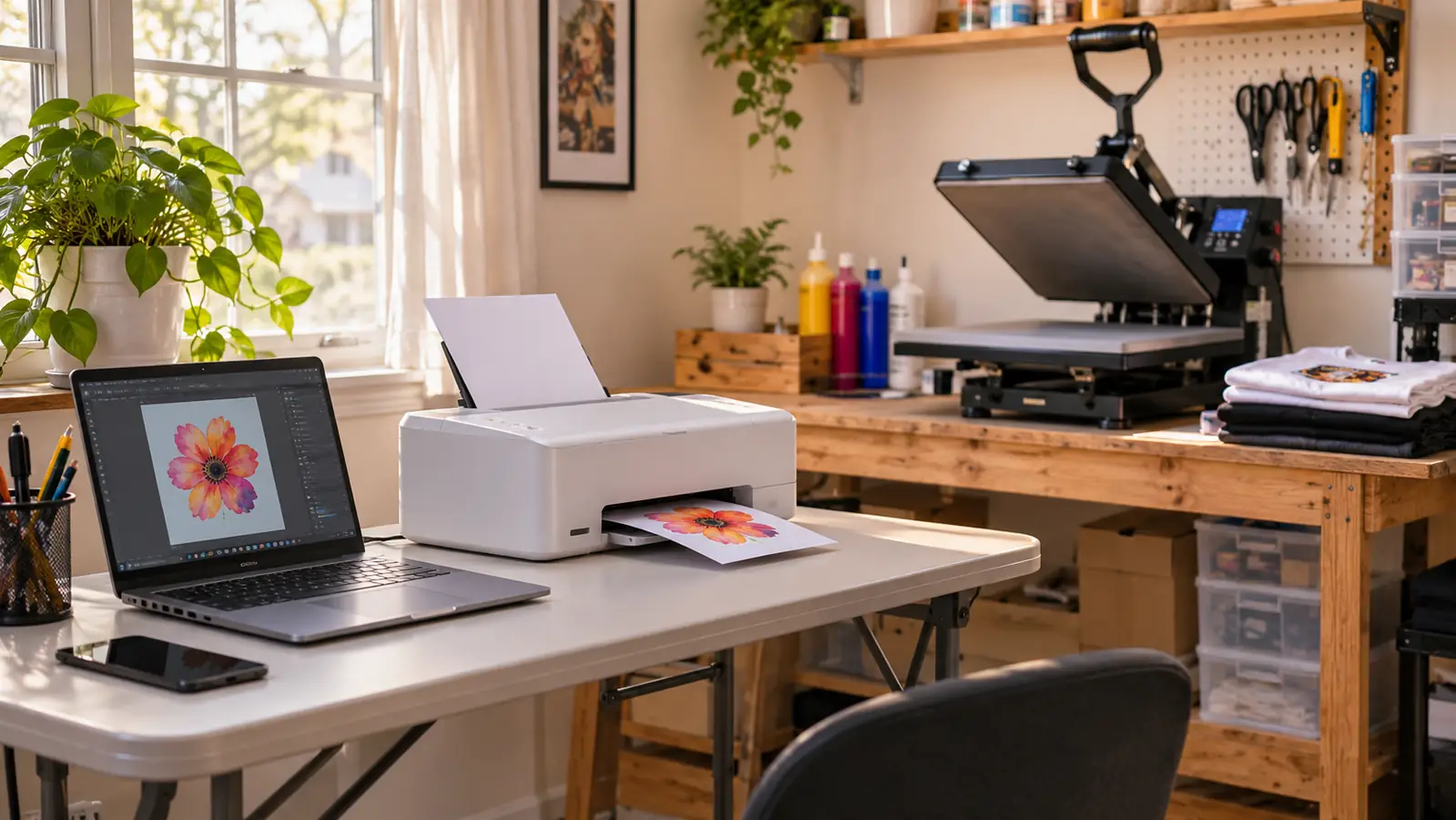
The F170 measures 13.7 inches deep, 14.8 wide and 7.4 tall, and it weighs 16 pounds. Mine sits on a folding table by the window next to the tumbler press, with the laptop in front of it and the 15x15 press on Gary's workbench across the room. That footprint matters when you work in a spare bedroom, because you are not rearranging a house for a printer. I can unplug it, move it, and have it back in place in a couple of minutes.
One paper size keeps your buying honest
8.5 x 11 is the whole format, and I have decided that is a feature rather than a limitation. It pushes you toward blanks that fit that sheet: standard shirt fronts, sleeve panels, 20 oz straight tumbler wraps. You are not chasing three paper sizes and four blank types in your first month. I print A-SUB 8.5 x 11 in 125g, 110 sheets to a pack, and I know exactly what one pack covers. Narrow is easier to plan around.
Sublimation ink stays in a sublimation machine
With one machine doing one job, I never open a drawer and wonder which ink is in it. The F170 runs Epson sublimation ink and nothing else. My converted printer had me second-guessing every fill, every bottle, every label. If you have ever poured the wrong thing into a tank, you already know that feeling in your stomach. A machine whose only purpose is transfer paper removes a whole category of mistake from your evening.
Your colors repeat from batch to batch
The thing nobody warns you about with a fussy setup is that the second batch does not match the first. I have printed the same design on two different Saturdays, and the two sets matched. Same file, same paper, same press setting at 365 F for 150 seconds. When a coworker asks for another shirt like the one from two months ago, I can say yes without hedging. Consistency is worth more to a small project than a wider color range.
Print only keeps the workflow simple
The F170 is print only. No scanner lid, no copy buttons, no document printing. I know that reads like a missing feature in a listing. In a spare bedroom it is the opposite. The machine only does the thing you bought it for, and nobody in the house borrows it to print a form. My laptop has one routine: open the design, mirror it, print it. Fewer functions means fewer ways to end up with the wrong output.
It becomes the piece of the setup you quit thinking about
Since May, nothing on my two tables has broken or needed a service call. The press works, the tumbler press works, and the F170 prints. That sounds like a low bar until you have spent an evening on your hands and knees studying a nozzle check pattern. A dedicated machine is worth considering for the same reason a real workbench is: not because it does something dramatic, but because it stops being a problem you have to solve every week.
What I'd Skip
If you are standing where I stood in February, here is what I would skip. Skip the countertop toaster oven and the shrink wrap sleeves. Mine went to the recycling center in May and I do not miss it. Skip the generic no-name paper, which confused me about the print side every single time and curled worse than the A-SUB. Skip buying three paper sizes before anyone has asked you for one shirt. And skip the idea that converting a printer saves you trouble later, because that April clog cost me a Saturday and six tumblers I had to remake.
The six tumblers I remade on a Saturday in May came out sharp, and the next set matched them exactly. That is the entire argument for a dedicated machine.
Buy the machine that does the one job
If sublimation is going to be part of your week, get a printer built for transfer paper and stop fighting the one you converted. The Epson F170 is what prints every shirt and tumbler that leaves this house.
Amazon See the F170 on Amazon →